The LinkedIn Phishing Alert That Should Alarm Every Professional in 2026
Researchers at the Cofense Phishing Defense Center issued a warning this week about a new attack campaign targeting LinkedIn users at scale. The threat is not some fringe exploit aimed at a handful of executives. It targets every one of the platform’s 1.2 billion registered members, and it works because it looks exactly like the real thing.
The attack begins with what appears to be a standard LinkedIn notification. The email states that a representative from a reputable company has sent an urgent message about a business opportunity. The formatting is clean. The fonts and colors match. The logos are correct. And the link inside the message uses LinkedIn’s own URL shortener, lnkd. in, which is the detail that makes this particularly hard to dismiss on sight. After the user clicks, a chain of redirects eventually leads them to a cloned login page designed to steal their credentials.
The domain actually sending these emails, khanieteam.com, was only a few days old when researchers first spotted it in March 2026. That detail alone should trigger every alarm a professional knows to listen for. A global platform with over a billion users does not send account notifications from a freshly registered domain most people have never heard of. But most people do not check sender domains when the rest of the email looks right. That is the point.
This Is Not Just a Phishing Problem
It would be easy to frame this story as a simple phishing alert and move on. Check your sender domains, enable two-factor authentication, do not click suspicious links. That advice is correct, and you should follow it. But stopping there misses something more important about what is actually happening inside LinkedIn inboxes right now.
The attack works because LinkedIn’s messaging environment has been primed for it. Professionals on LinkedIn receive a relentless stream of unsolicited outreach every single day. AI-written prospecting messages, automated connection request sequences, templated cold pitches dressed up to look like warm introductions. The volume is not incidental. According to data from the Paciva AI Graymail Economy Report, an estimated 35% of all LinkedIn messages on any given day are automated sales prospecting, and another 20% are AI-generated outreach. That means the majority of what lands in a professional’s LinkedIn inbox is noise.
When your inbox is already full of messages from people you do not know, claiming urgent business opportunities with unfamiliar companies, the signal-to-noise ratio drops to a level where phishing becomes nearly invisible. The fake policy violation alert from this week’s campaign fits perfectly into an environment where everything already looks a little off. Urgency, unfamiliar senders, requests to click links: these are the characteristics of a LinkedIn phishing attempt, but they are also the characteristics of the average Monday morning inbox for most professionals in 2026.
Why LinkedIn Cannot Fully Solve This on Its Own
LinkedIn has blocked more than 80 million fraudulent accounts as of late 2024, and the platform does offer optional safety tools, including harmful message warnings and some scam detection. These efforts are real, and they matter. But they also describe a reactive posture that will always run behind the threat.
The incentive structure LinkedIn operates within is not designed to eliminate outreach. Quite the opposite. LinkedIn’s core business model ties messaging to sales workflows, CRM tracking, and prospecting at scale. Sales Navigator exists to make high-volume outreach easier. The platform supports the behavior that creates the conditions attackers exploit. That is not a moral failure; it is just the architecture. LinkedIn is not going to fix its inbox noise problem because the noise is part of the product.
This matters because the new phishing campaign from Cofense’s report does not require a technical exploit or a zero-day vulnerability. It requires only that a recipient receive a message that looks plausible, feels urgent, and contains a link. In an inbox where dozens of messages already meet that description daily, the attacker’s job is not hard. The messages in this campaign were originally written in Chinese, suggesting the attackers were targeting professionals in certain regions or those dealing with Chinese business partners, but the delivery mechanism works across any market.
The Real Cost Is Attention, Not Just Credentials
Most security coverage of attacks like this focuses on the credential theft outcome, which is the right focus from a pure security standpoint. A compromised LinkedIn account can serve as a launchpad for new phishing campaigns, a source of sensitive connection data, or a vehicle for impersonating professionals within organizations. The downstream consequences of an account takeover are serious.
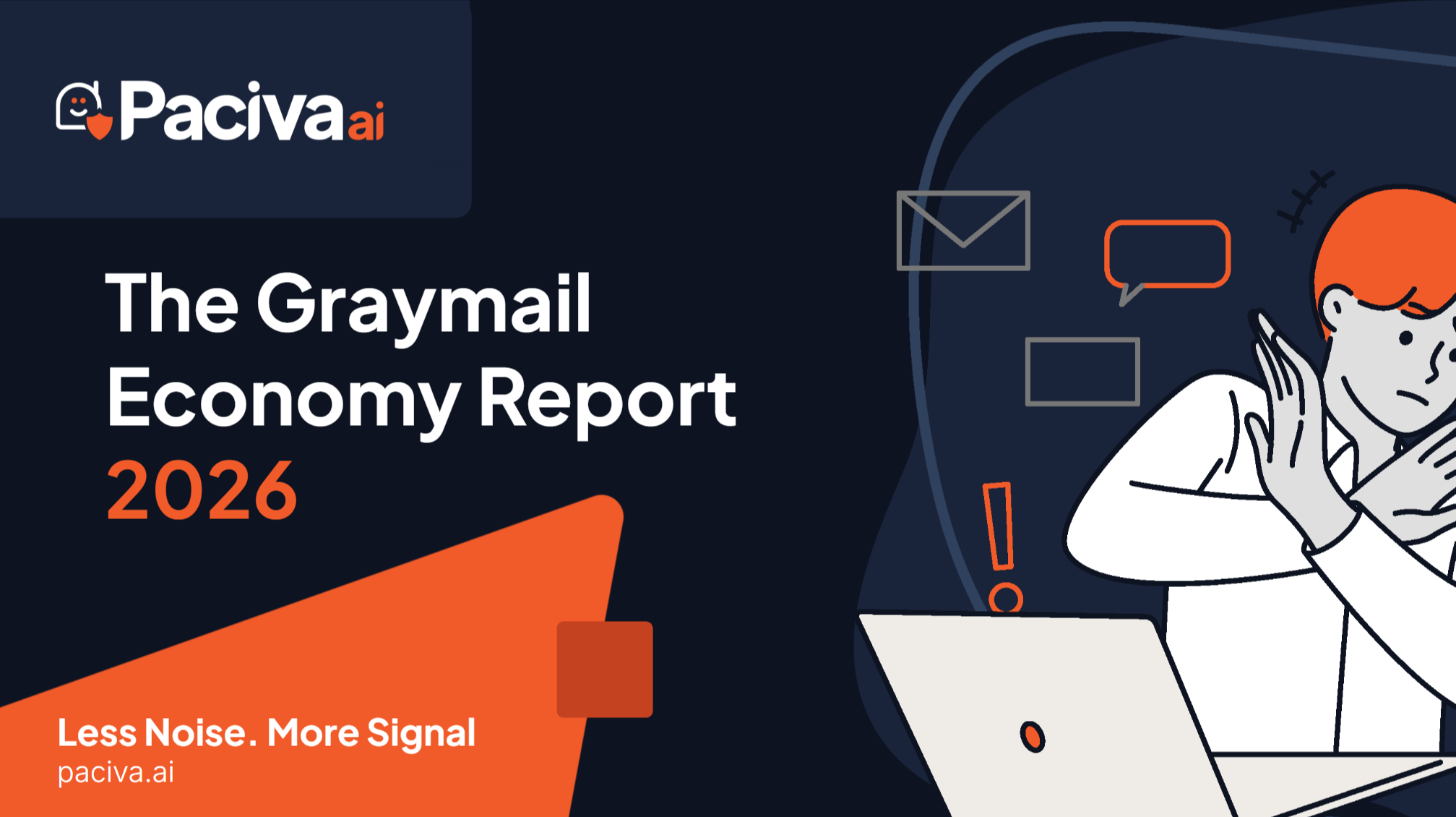
But there is a cost that gets far less attention: the ongoing cognitive tax that this kind of environment places on professionals who are simply trying to do their jobs. The Graymail Economy Report calculates that the average professional loses 1.5 hours per day to inbox noise across email and LinkedIn. At the BLS average hourly rate of $36.30, that translates to $12,796 per employee per year, or roughly 44 full workdays gone to triage, deletion, and distraction. Those numbers account for graymail broadly, not phishing specifically, but the phishing problem lives within that broader environment and is enabled by it.
You cannot train your way out of a volume problem. You can tell professionals to slow down, check sender domains, verify links, and apply skepticism to every urgent-sounding message. That advice is sound. It is also advice that requires sustained vigilance in an inbox designed to maximize engagement and minimize friction. The cognitive load compounds. Attention degrades. That is when mistakes happen.
What Inbox Protection Actually Needs to Look Like
The Cofense report arrives at a moment when the conversation about LinkedIn inbox security is finally moving beyond “watch out for phishing.” The attack surface is not just fake links. It is the entire composition of a professional’s inbound communication environment: the automated sequences, the AI-generated outreach, the scraped identity data that turns a public profile into a targeting list, and the phishing campaigns that hide within it.
Effective protection in this environment requires a few things working together.
- Intent classification at the message level. Not just spam filtering based on sender reputation or domain age, but the ability to read what a message is actually trying to accomplish. A message asking you to verify your identity urgently should trigger a different response than a templated pitch, even if both arrive from unfamiliar senders.
- Risk scoring with explainable reasons. When a message gets flagged, the user should know why. Black-box filtering creates its own problems: false positives that bury legitimate messages, and users who override flags because they do not understand or trust the reasoning.
- Autonomous action with full auditability. The goal is not to make professionals faster at processing noise. It is to eliminate noise before it requires human attention, while keeping a complete record of what was filtered and why, so nothing important disappears without explanation.
- Cross-channel consistency. The phishing campaign Cofense identified starts in email and leads to LinkedIn. Protecting one channel in isolation misses the threat vector entirely. Inbound communication security has to work across platforms under consistent rules.
This is the architecture on which Paciva AI is built. Sentinel, the platform’s intelligence layer, classifies inbound messages by intent, priority, and risk with clear reasoning attached to every decision. Gatekeeper, the control layer, turns those classifications into consistent, reversible actions without requiring the user to be present for every decision. And every action Paciva takes carries a full audit trail, so professionals can see exactly what was filtered, what reached them, and why.
Evaluate the actions behind an AI result
A correct answer is only part of a good AI workflow. Define what an assistant may do, what evidence it keeps, and how you recover when it goes wrong.
The Anatomy of a 10x Employee
High impact is accepted work plus a more capable next cycle, not message volume or rescues. What the research says about experts, managers, and handoffs.
The 10x Employer
Only 39% of firms in McKinsey's 2025 survey saw any EBIT impact from AI. Count review, rework, and recovery before you call it a 10x gain.
A Privacy Toggle Is Not a Firewall
A training toggle answers one question. Safe AI use needs four boundaries: training, transmission, retention, and tool authority. Test the action.