How to share your Calendly scheduling link

Table of Contents
Calendly simplifies scheduling by creating a custom booking page that shows when you’re available to meet. You connect your calendar(s), set your availability, and people can
schedule meetings with you instantly. (No one can see the details of your whole calendar — Calendly only shows the times you’re available.)
No more back-and-forth emails or phone tag to
find a time that works for everyone. Just easier, faster scheduling.
It all starts with your scheduling link (also called your booking link or Calendly link). In this article, you’ll learn how to share your Calendly booking link, whether you want to send it directly or embed it into the tools you use every day.
(Don’t have a Calendly account?
Sign up for free!)
6 ways to share your Calendly link
Calendly gives you many different options to share your booking page, so you can choose what works best.
A quick note: In this guide, we’re focusing on linking to the booking page for a specific
Event Type, like a 30-minute intro call or hourlong client check-in. If you have multiple meeting types, you can also
share a landing page with all of your meeting types and let invitees choose which one they’d like to book.
1. Copy and paste your scheduling link
The simplest way to share your link? Copy it from the Calendly web app.
To find your scheduling link, go to the
Scheduling page in the Calendly web app, look for the Event Type you want to share, and click .
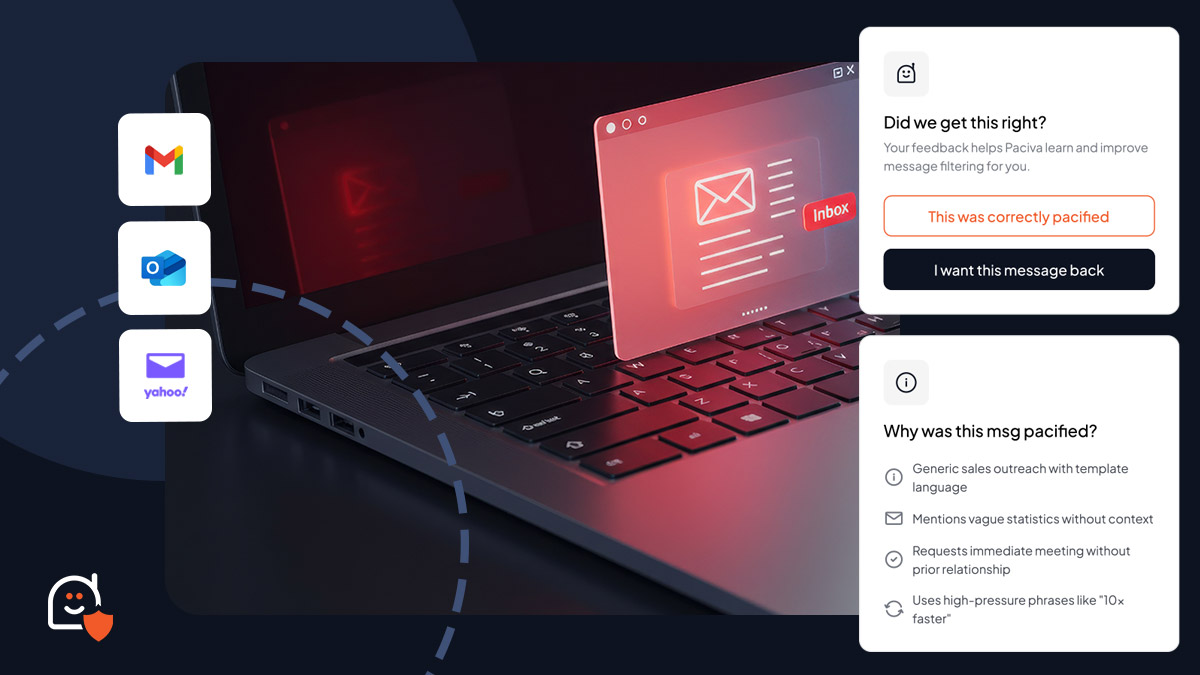 Sales automation helped reps move faster, then it flooded inboxes and crushed trust. Here are eight ways it now hurts pipeline, deliverability, and brand, plus fixes.
 Sales automation helped reps move faster, then it flooded inboxes and crushed trust. Here are eight ways it now hurts pipeline, deliverability, and brand, plus fixes.
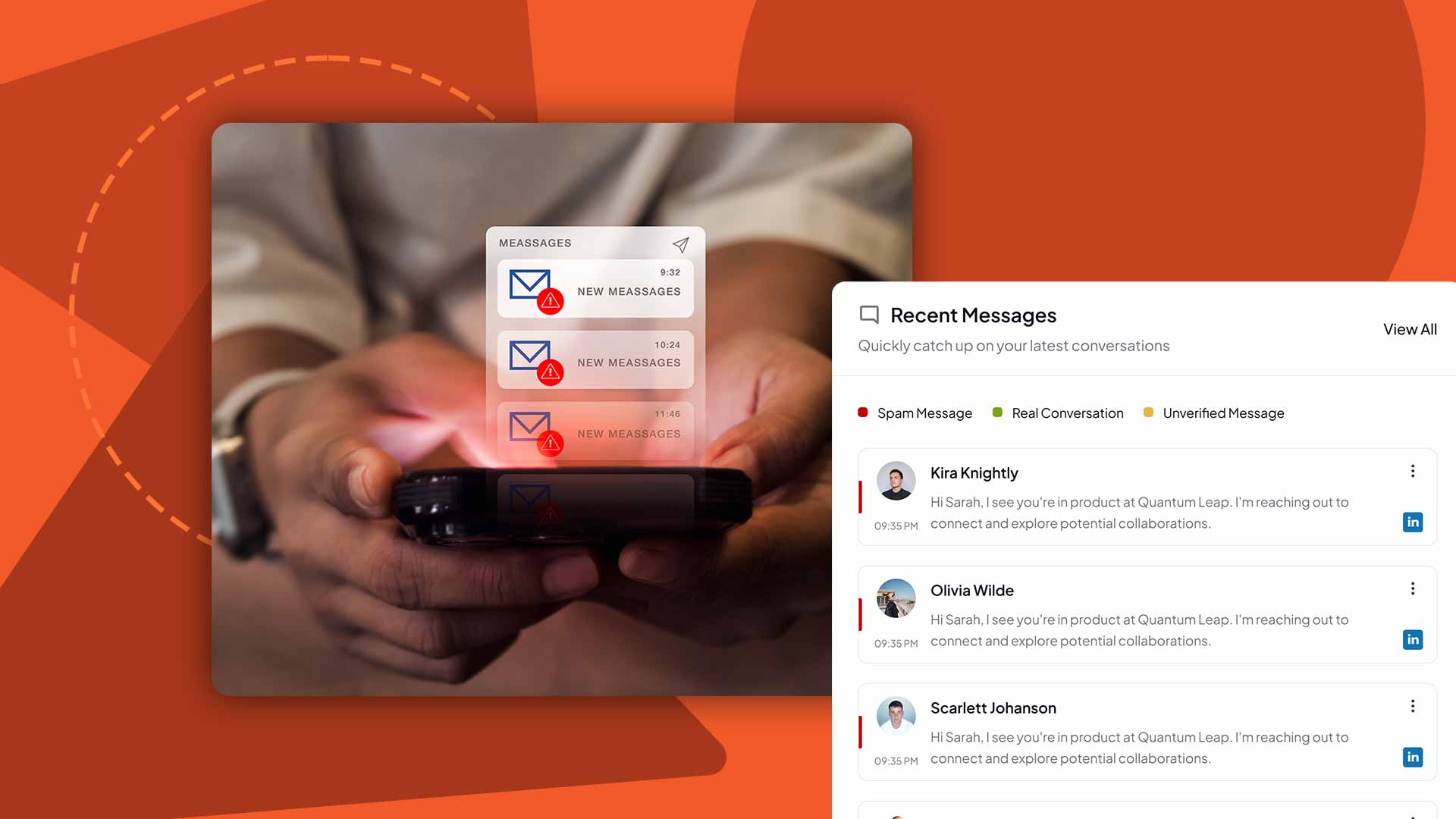 Cold outreach automation keeps escalating as tools get cheaper and smarter. Learn why inbox noise grows, spot it fast, and protect real signal for the long run.